
Free 2026 Horizontal Digital Planner
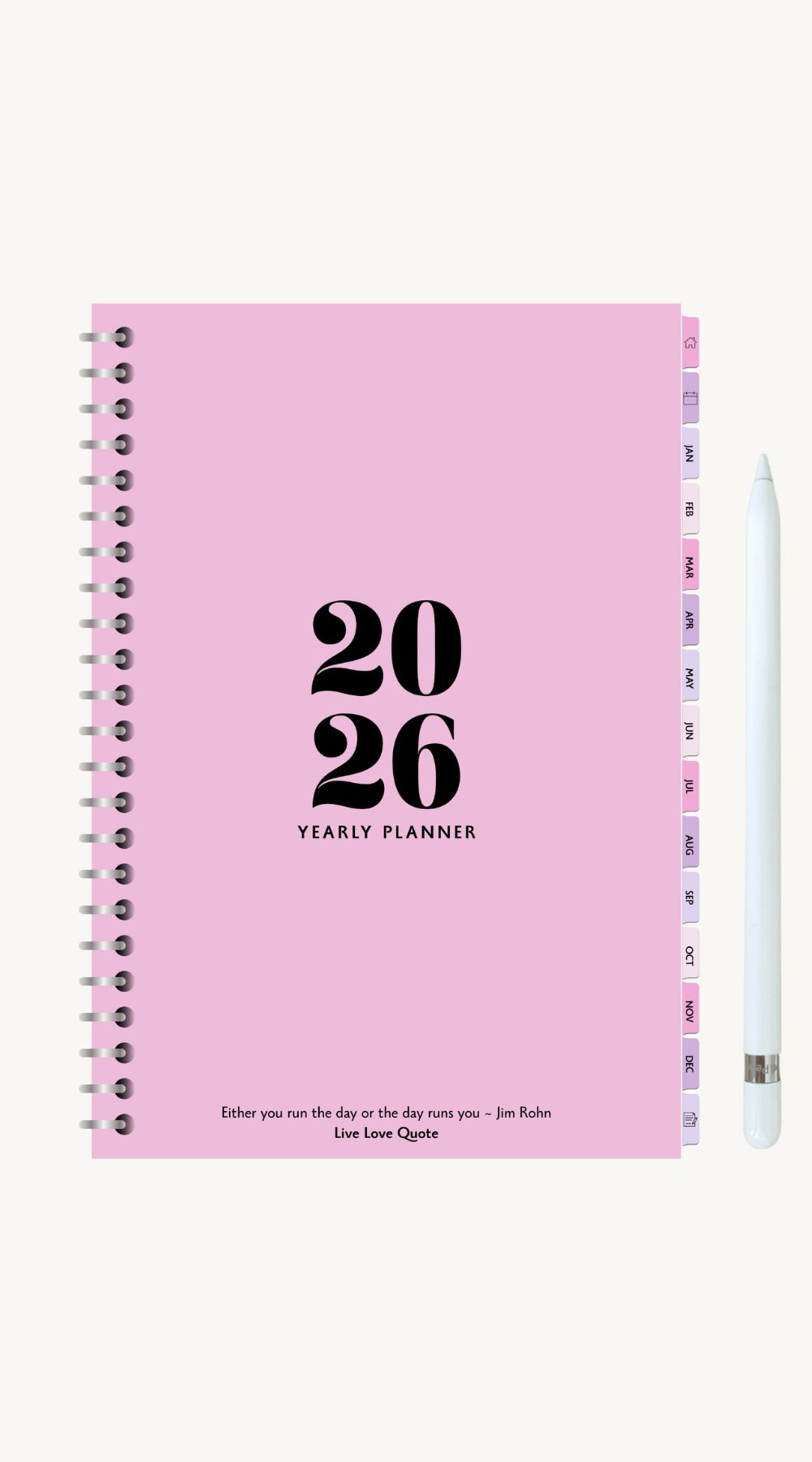
If you love digital planning as much as I do, you’re going to adore this free 2026 horizontal digital planner. I designed it to help you plan your year with ease, helping you manage work, school, or everyday life.
Simple, clean, and perfect for anyone who loves a minimal, distraction free layout. It’s completely free to download and works seamlessly with GoodNotes, Notability, and other note taking apps.
This planner was created for anyone who wants to stay organized without the clutter. I know how overwhelming it can feel trying to balance everything, so having one place to plan it all truly makes a difference.
From setting yearly goals to planning each week, this planner keeps everything clear, easy to navigate, and actually enjoyable to use.
As an affiliate partner of various brands and sponsored content, we may earn commission on qualifying purchases. Disclaimer | Advertise With Us
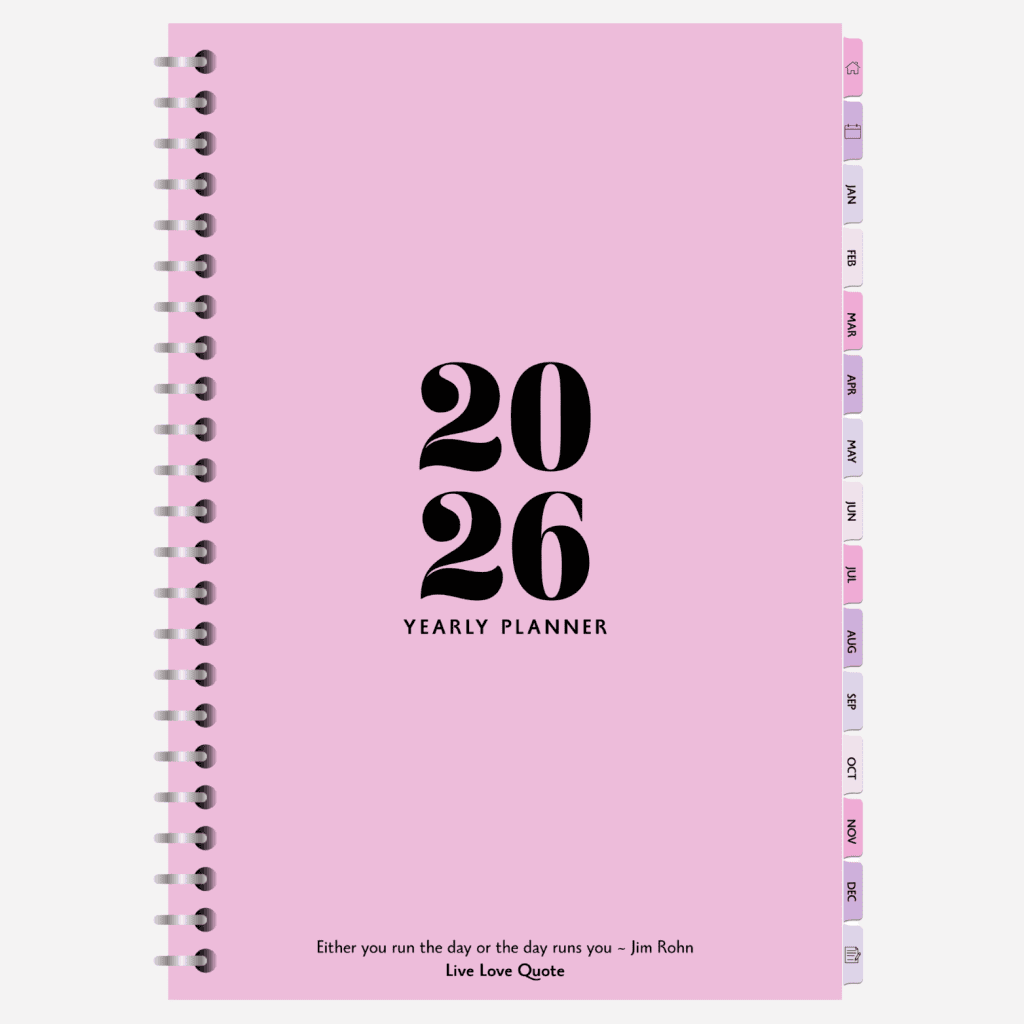
What’s Inside the 2026 Horizontal Digital Planner
This planner includes everything you need to stay organized throughout the year. It’s laid out in a horizontal format, making it easy to write naturally and see your week at a glance. Inside, you’ll find:
Yearly Overview
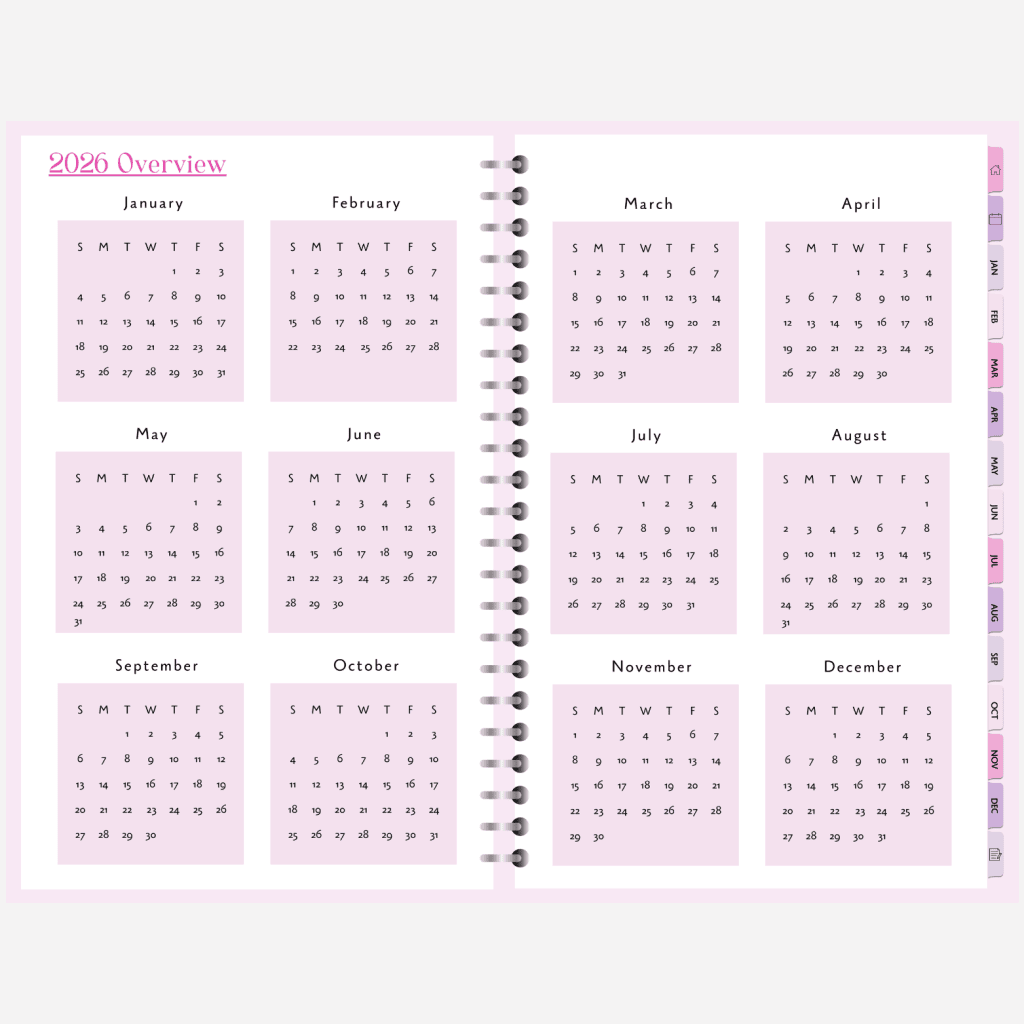
See all of 2026 at once and map out your biggest goals and plans. The yearly overview is perfect for keeping an eye on major events, deadlines, and special occasions throughout the year.
It’s your bird’s-eye view of everything, helping you stay on track and see how your goals fit into the bigger picture. You can also use it to mark birthdays, holidays, or long-term projects you want to focus on this year.
Vision Board & Goals Page
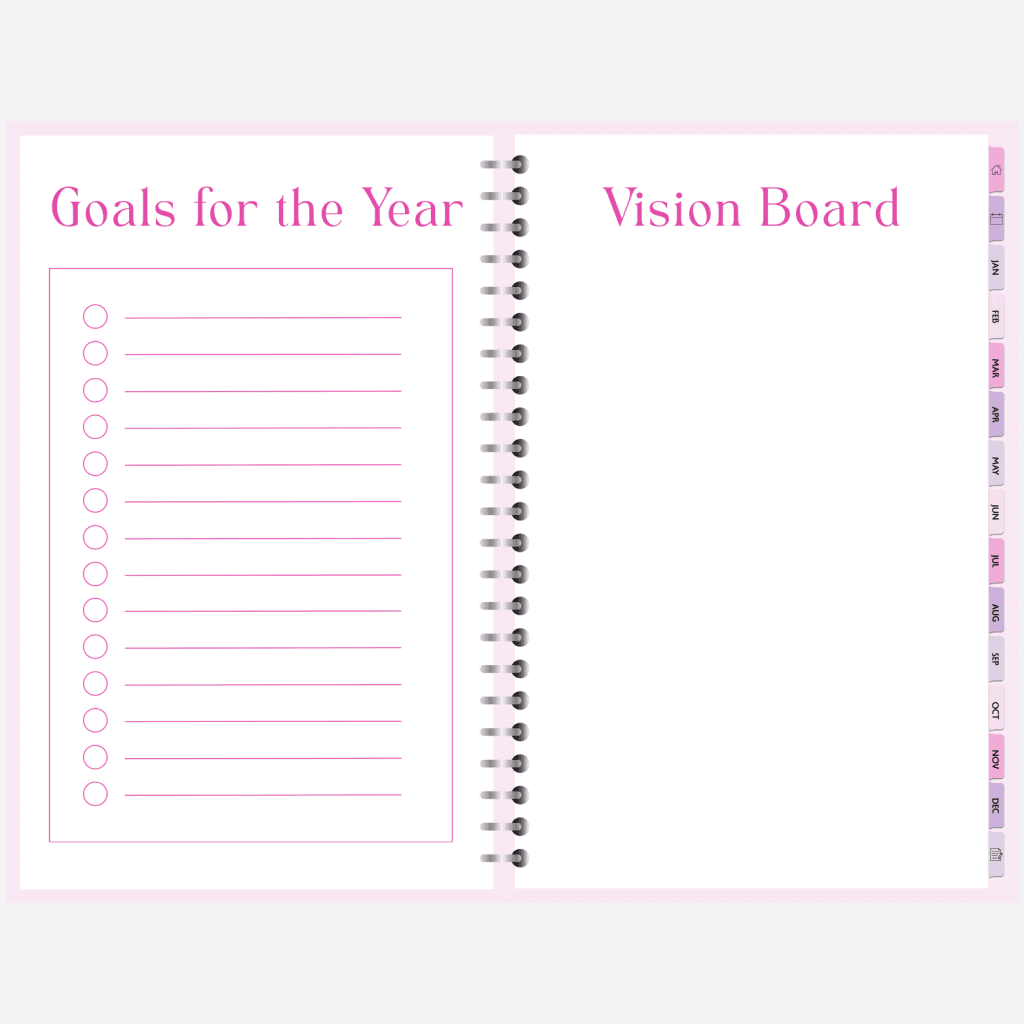
Visualize what you want to achieve and set your intentions for the year. This section gives you space to get creative , add inspiring quotes, images, or notes that reflect your goals and dreams.
Writing things down or seeing them visually makes them feel real and motivates you to take action. It’s a great place to start your planning journey for 2026 and remind yourself what you’re working toward.
Monthly Calendars
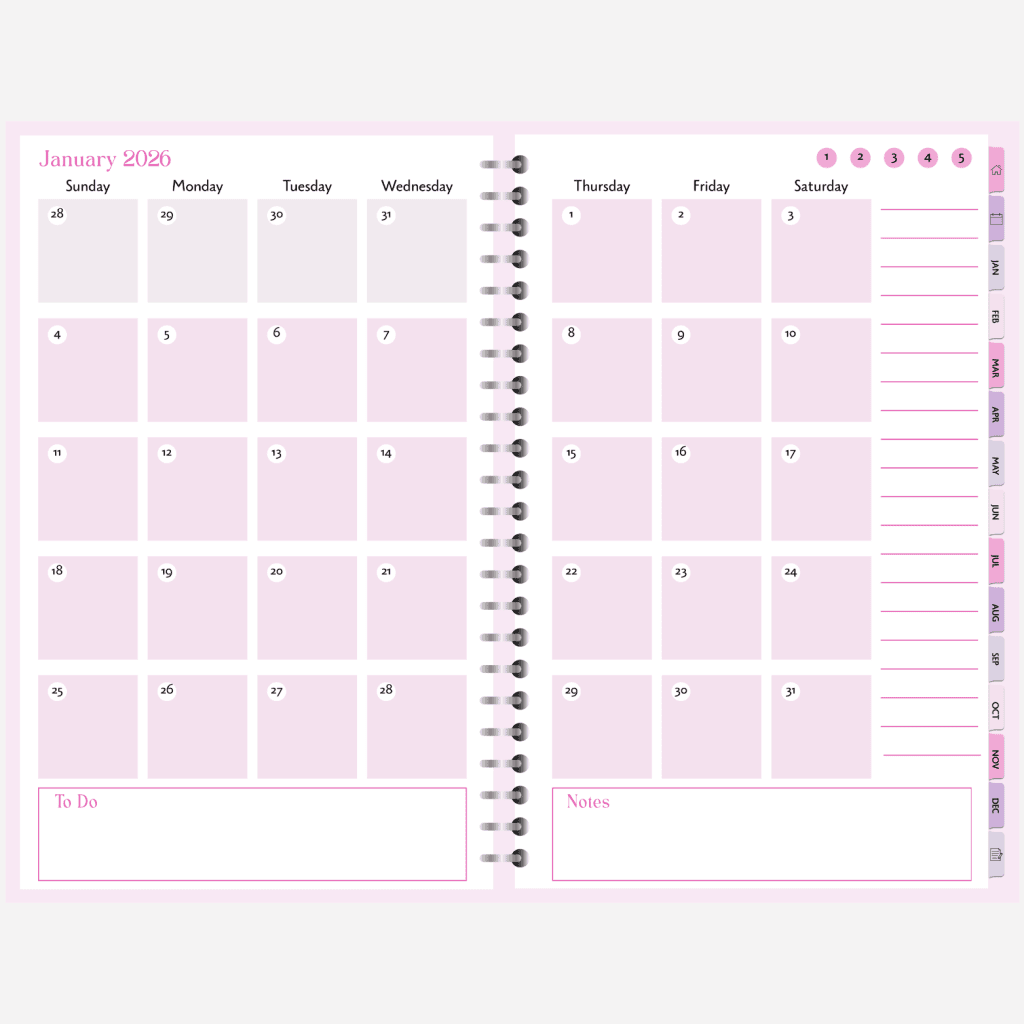
Each month has a clean, dated layout so you can easily plan your events, projects, or reminders. You’ll have plenty of space to jot down key dates, track habits, or schedule important tasks.
The monthly tabs are hyperlinked for easy navigation, so you can jump between months in just one tap. It’s simple, minimal, and helps you organize your time without feeling cluttered.
Weekly Spreads (Horizontal Layout)
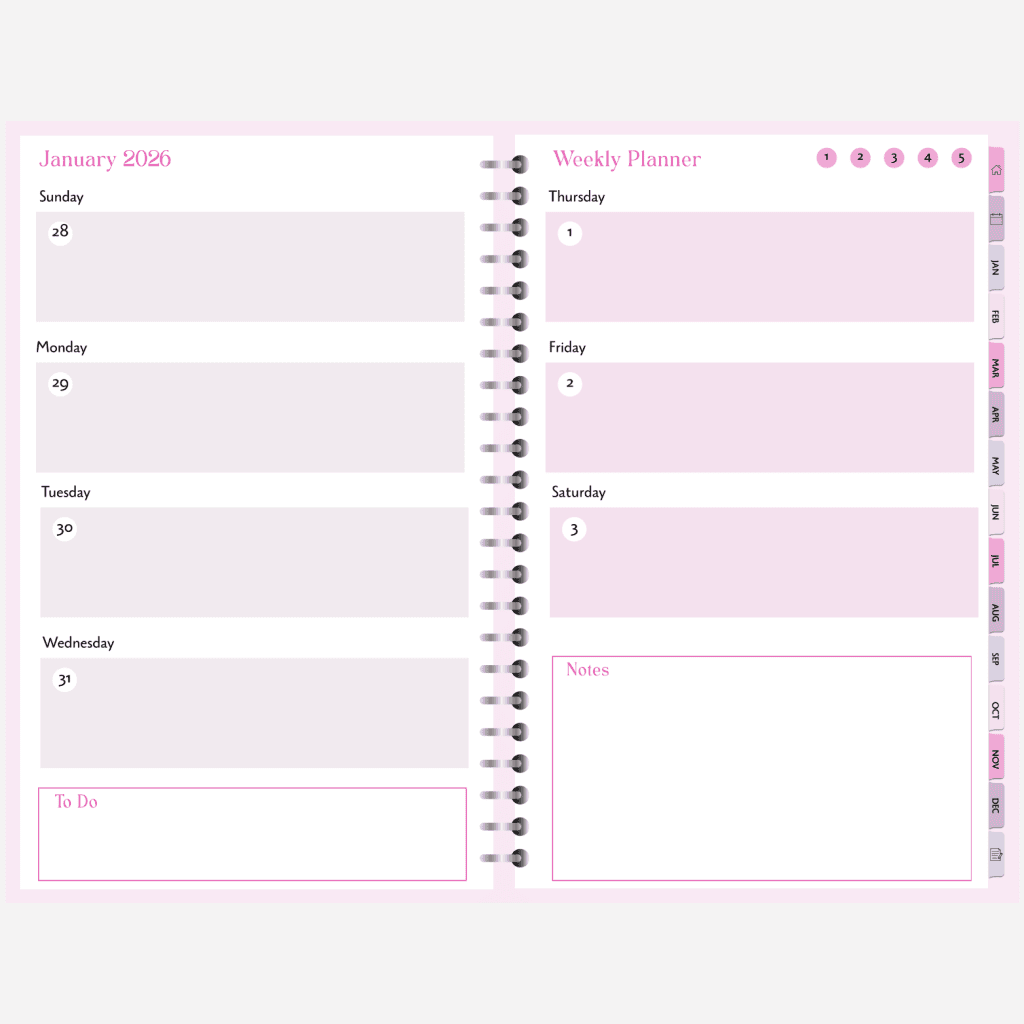
The weekly spreads follow a Sunday to Saturday layout, giving you a clear overview of your entire week. Each day has enough space to write to-dos, appointments, or even daily reflections.
The horizontal format is great if you prefer writing longer notes or like to plan in a more relaxed, journal style way. It also includes dedicated Notes and To Do sections for the week, so everything you need stays in one place.
Notes Section
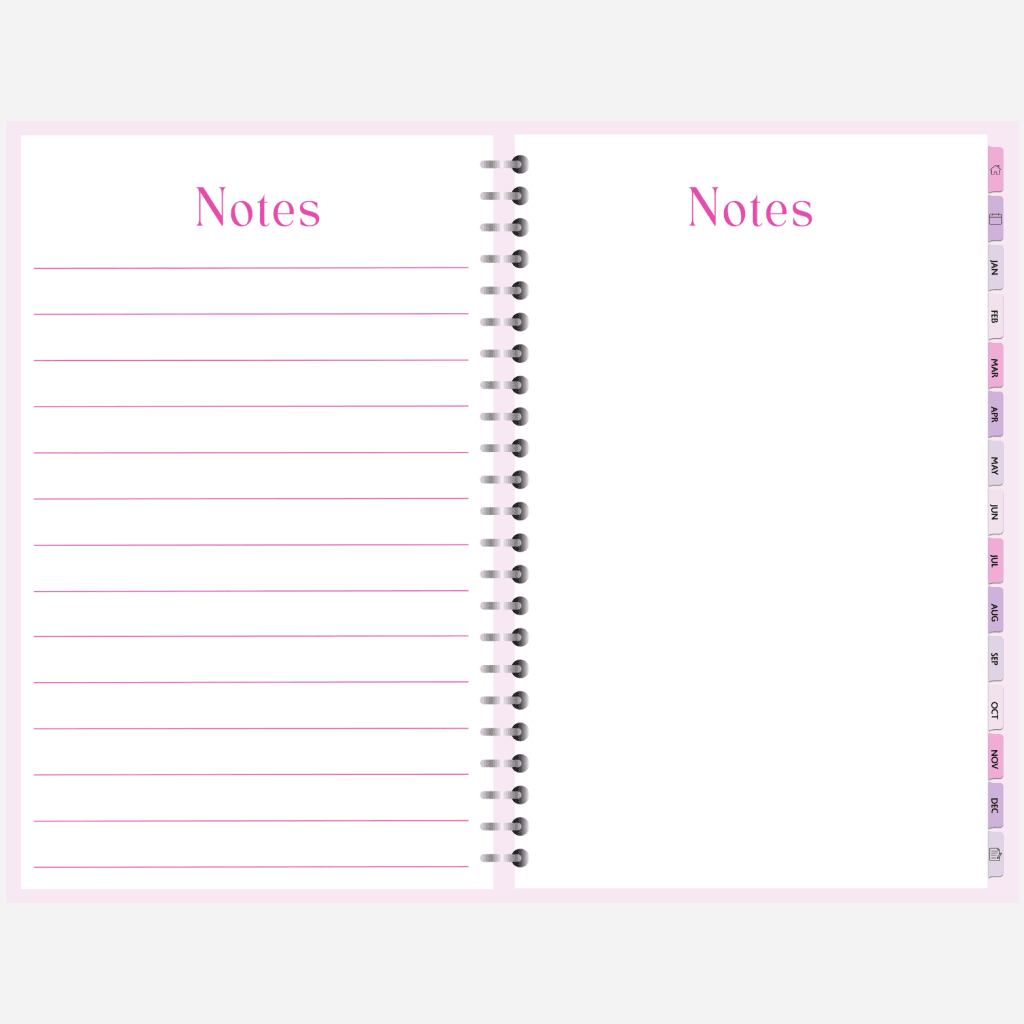
The notes section is your space to jot down thoughts, make lists, or brainstorm ideas. You can use it for anything , from grocery lists and book ideas to journaling or goal tracking.
It’s meant to be flexible, so you can make it whatever you need it to be. Having a space that’s open ended makes this planner feel more personal and easy to use every day.
Hyperlinked
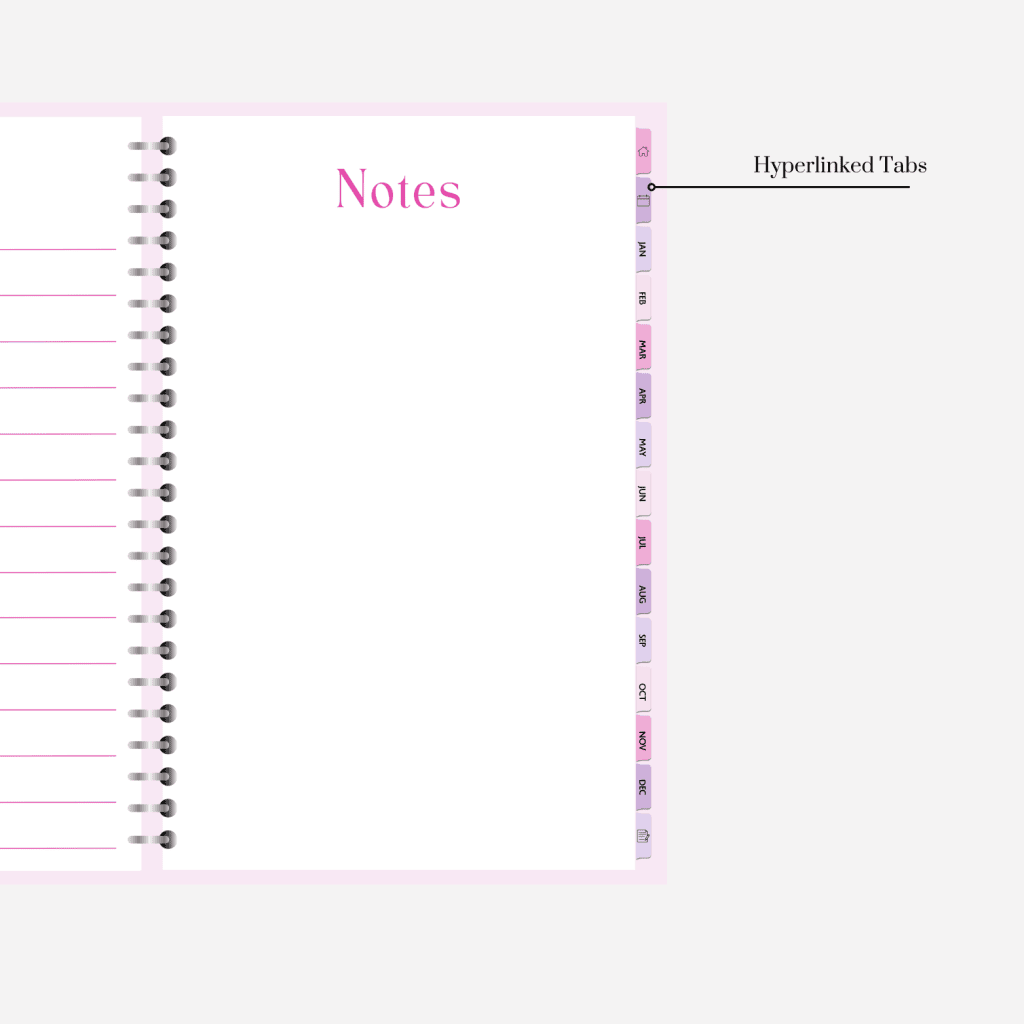
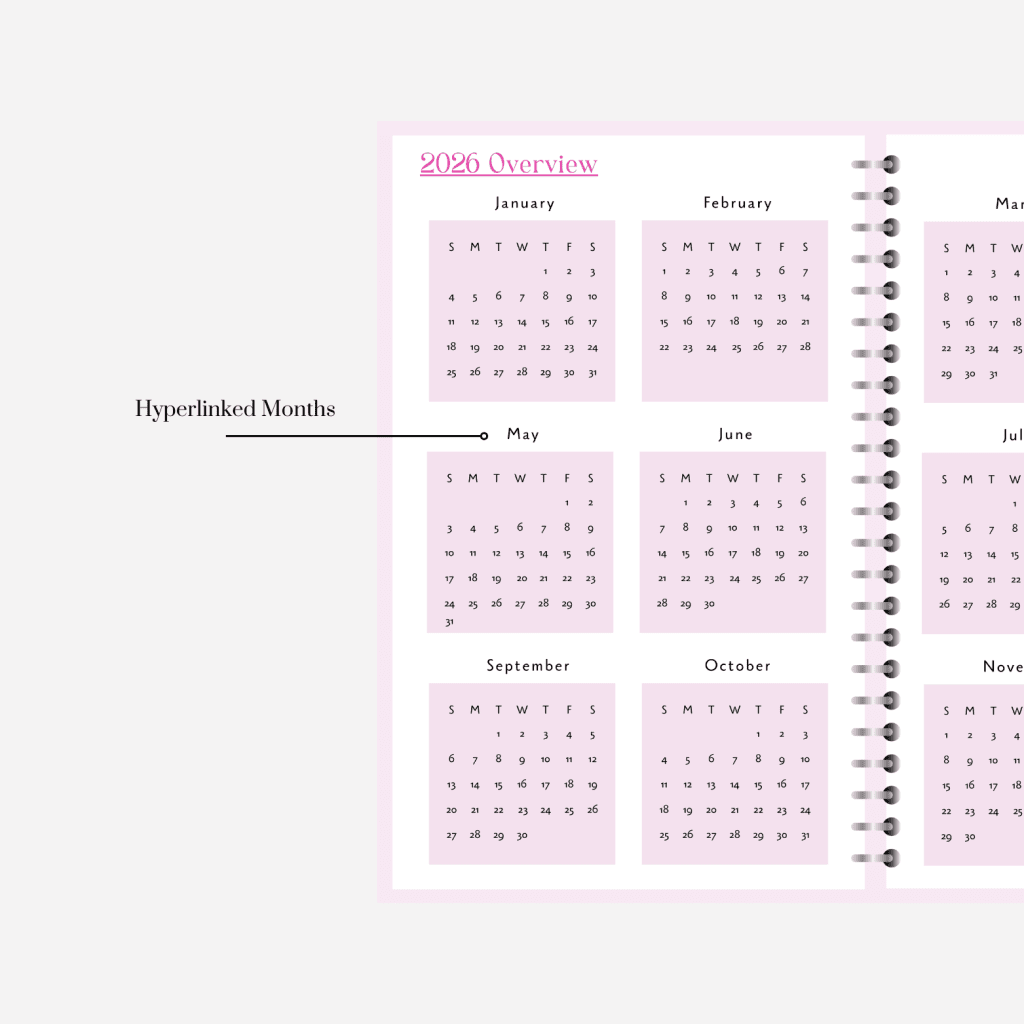
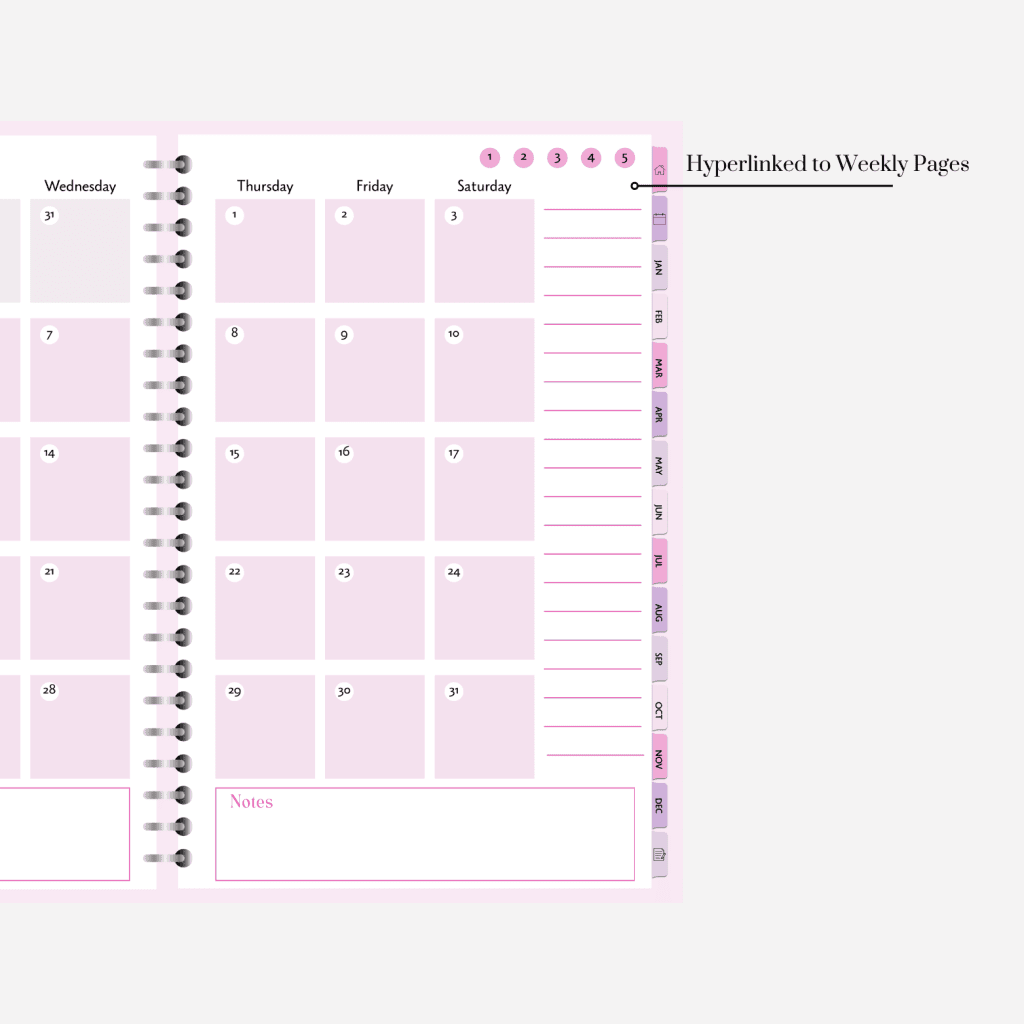
Every month is hyperlinked for easy navigation using the side tabs, so you can quickly jump between months or weeks. It’s simple, practical, and great for both new and experienced digital planner users.
Why You’ll Love It
I designed this planner with simplicity and flexibility in mind. The horizontal layout gives you more space to write freely, reflect on your week, or plan long to do lists without feeling cramped. It’s ideal for anyone who prefers a calm, minimal design over overly decorated pages.
You’ll also love how lightweight and lag-free it is. No unnecessary elements, just what you need to stay productive. You can customize it with digital stickers, highlight your priorities, or color code your weeks for a personalized look.
This planner grows with you throughout the year, helping you plan in a way that fits your lifestyle, whether that’s managing classes, projects, routines, or goals.
How to Use the Planner
- Download the PDF file to your device.
- Import it into your favorite note-taking app (GoodNotes, Notability, or Noteshelf).
- Start planning! Use your stylus or Apple Pencil to fill in your weekly tasks, write notes, and track progress.
You can duplicate pages, highlight important dates, or even add extra notes pages if you need more space. The hyperlinks make navigation super smooth, so you can easily switch from monthly to weekly pages in just one tap.
If you prefer vertical planners, they are listed below as well.
Get Your Planner Here
Interested in a Digital Journal?

Enjoy your Free 2026 Horizontal Digital Planner!
I hope this free 2026 horizontal planner helps you stay organized, focused, and motivated all year long. I made it because I know how much better life feels when everything is laid out clearly and you can plan with purpose. It’s more than just a planner, it’s a space to dream, organize, and make your goals happen.
Here’s to a calm, creative, and productive 2026.